Fast Access from Your Home Screen
Launch the Casigood app in one tap, stay logged in securely and reach your favourite sports or casino games within seconds.

The Casigood app is a legal real money casino and sportsbook for United Kingdom players. You can install the official application in several languages, use VISA, Mastercard and USDT (ERC20), and access full betting and casino features on mobile.
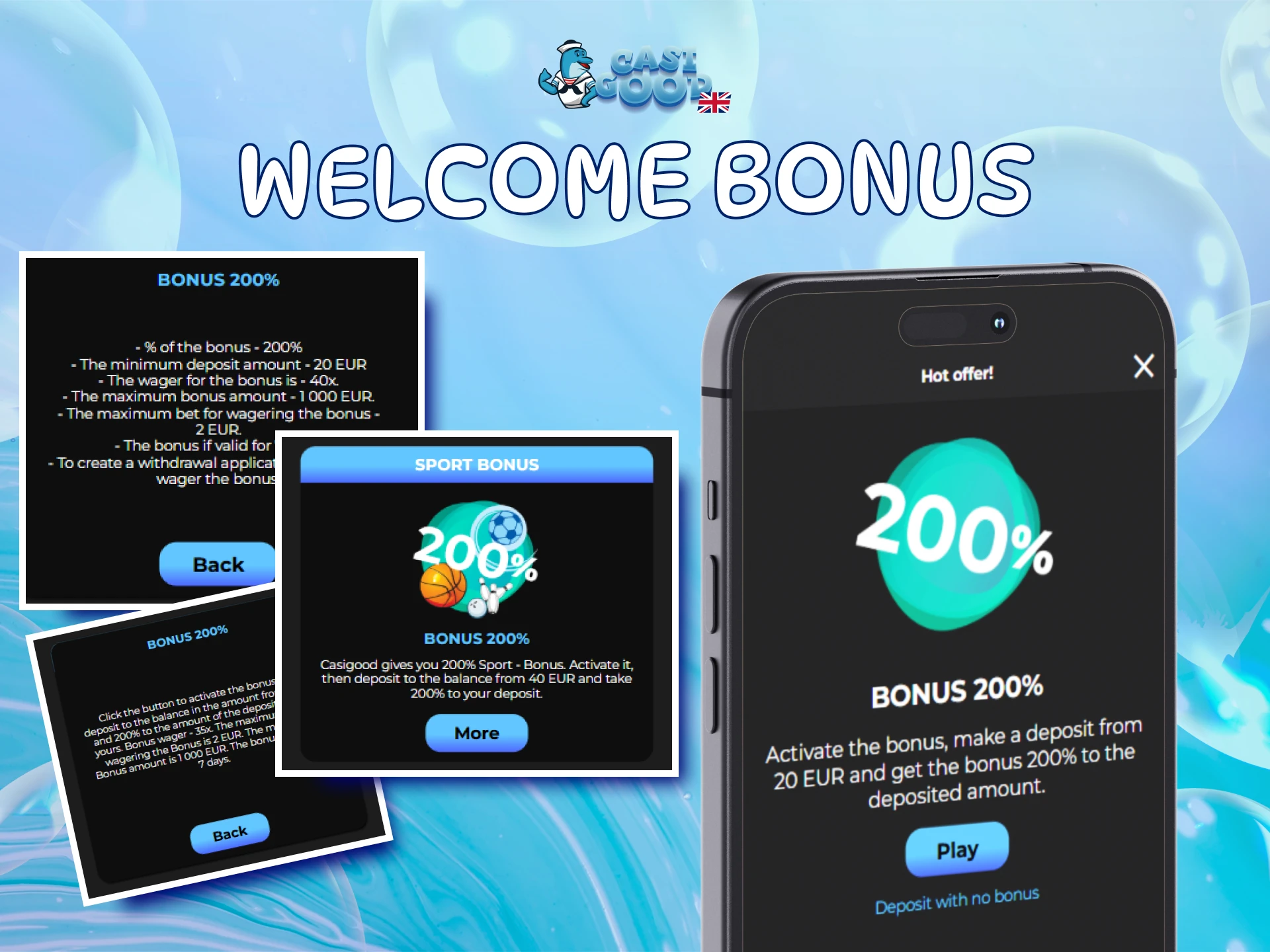
New users get a tiered welcome bonus: 200% from €20, 150% from €100, and 125% from €200, all on x40 wagering. Each level needs at least the stated minimum deposit to qualify.

The official Casigood mobile app gives United Kingdom players fast access to sports betting and online casino games on both Android and iOS. You install it once and then log in in seconds whenever you want to play.
| Feature | Details |
|---|---|
| Year of development | 2024 |
| Developer | Casigood software team |
| Package name (APK file) | casigood-mobile.apk |
| License | Curacao eGaming, No. 8048/JAZ |
| APK size | Around 40–60 MB |
| Supported operating systems | Android and iOS mobile |
| Cost | Free app download and installation |
| Category | Online casino and sports betting |
| Countries available | United Kingdom and other accepted regions |
| Languages supported | English, Spanish, German, Portuguese and more |
| Currencies supported | EUR, GBP, USD, USDT and others |
| Available in United Kingdom | Yes, for players aged 18+ |
This overview helps you confirm that the Casigood application suits your device and location before installing.
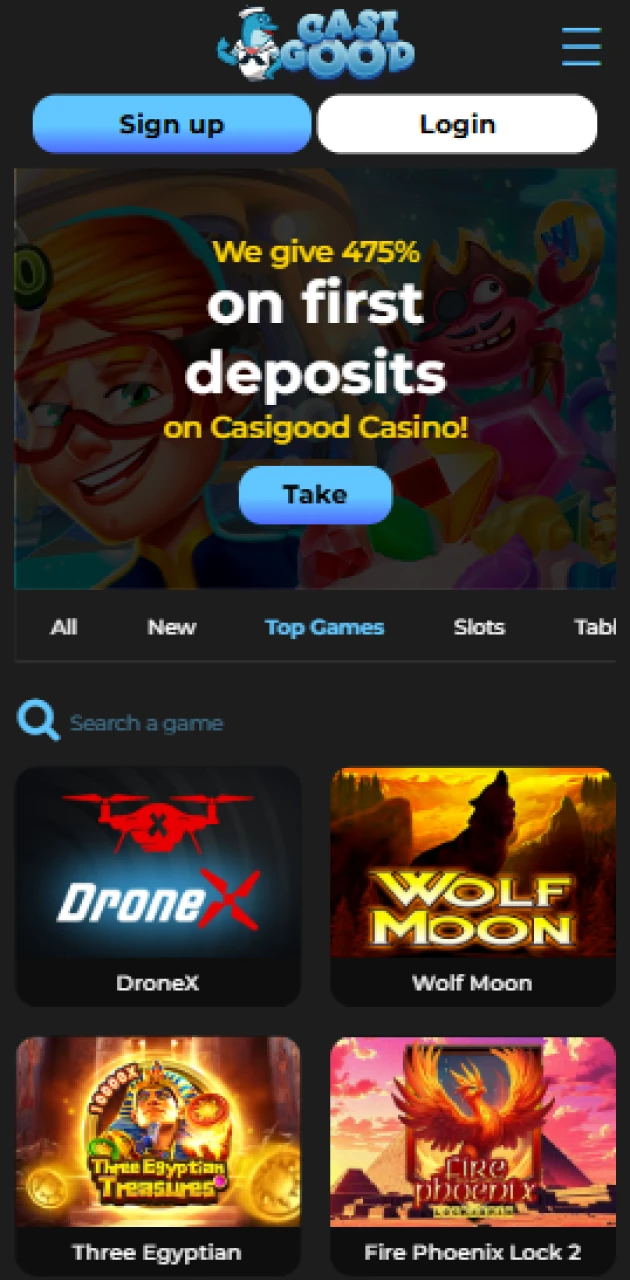
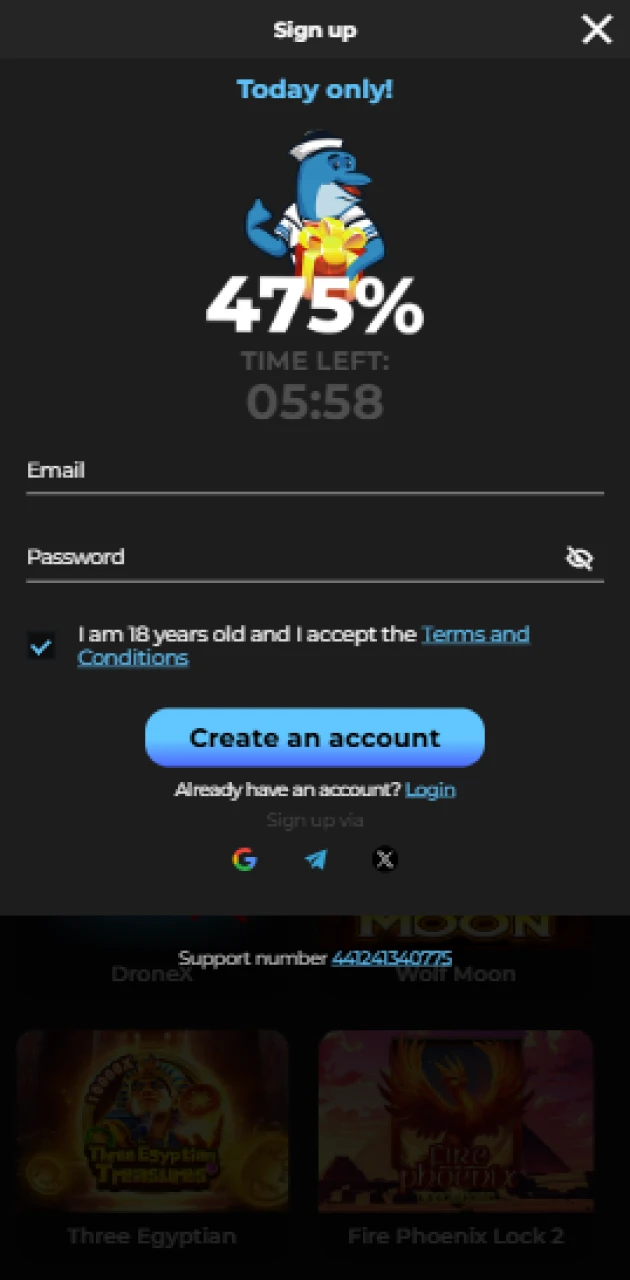
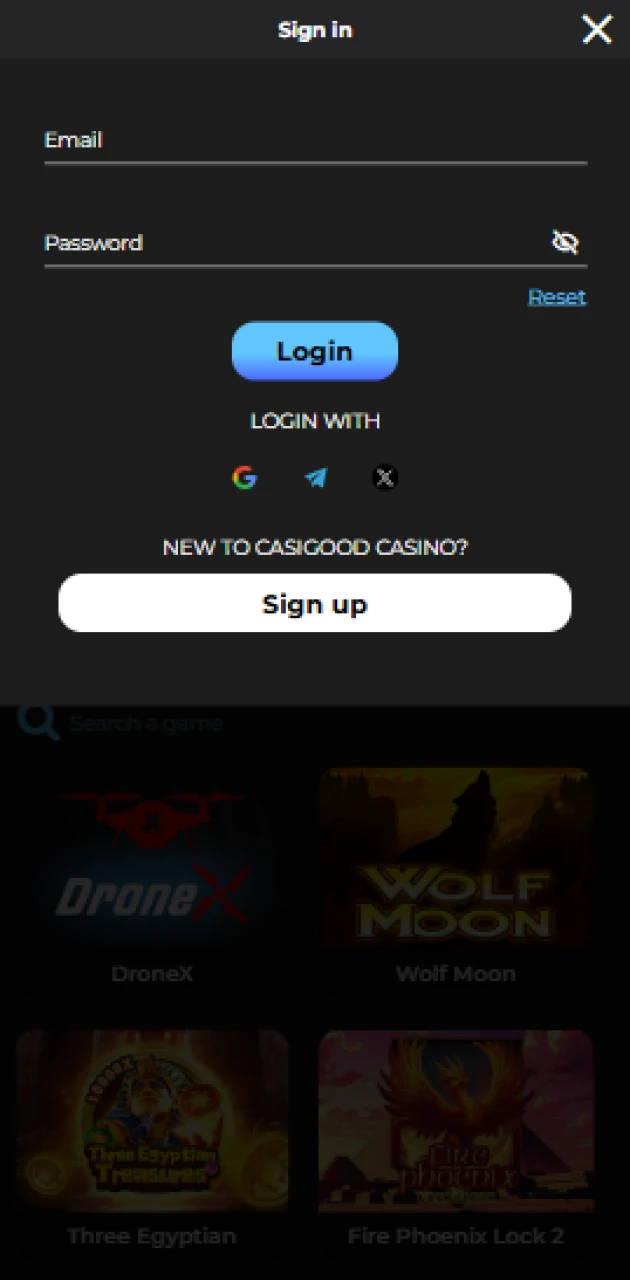
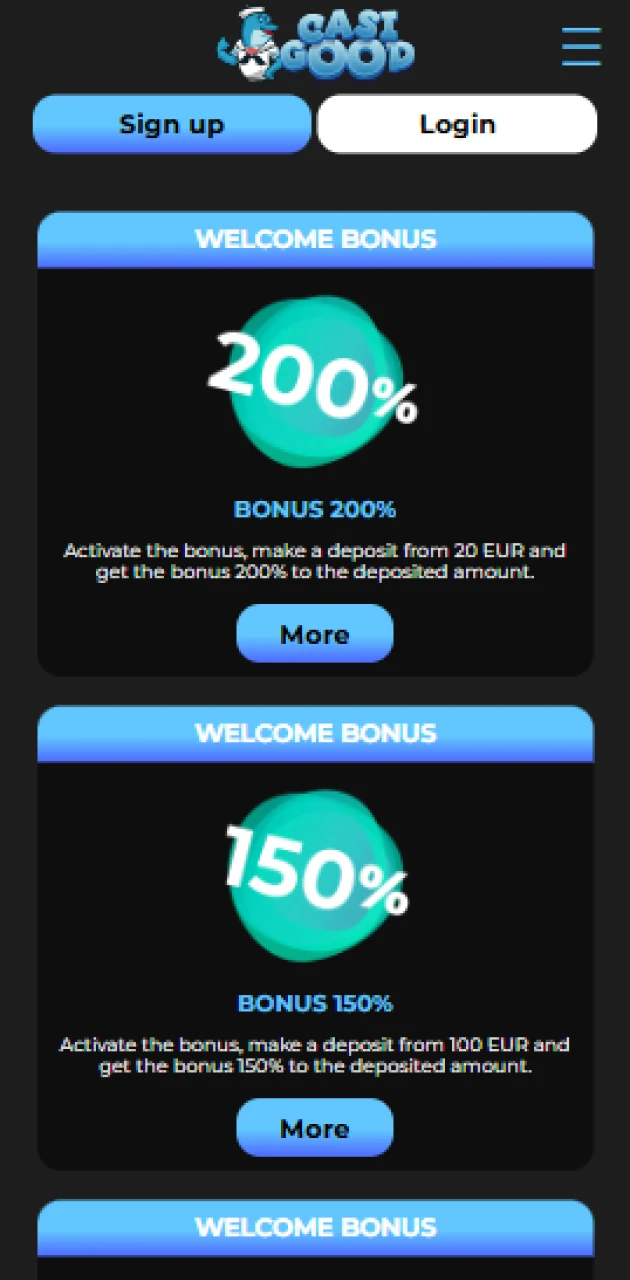

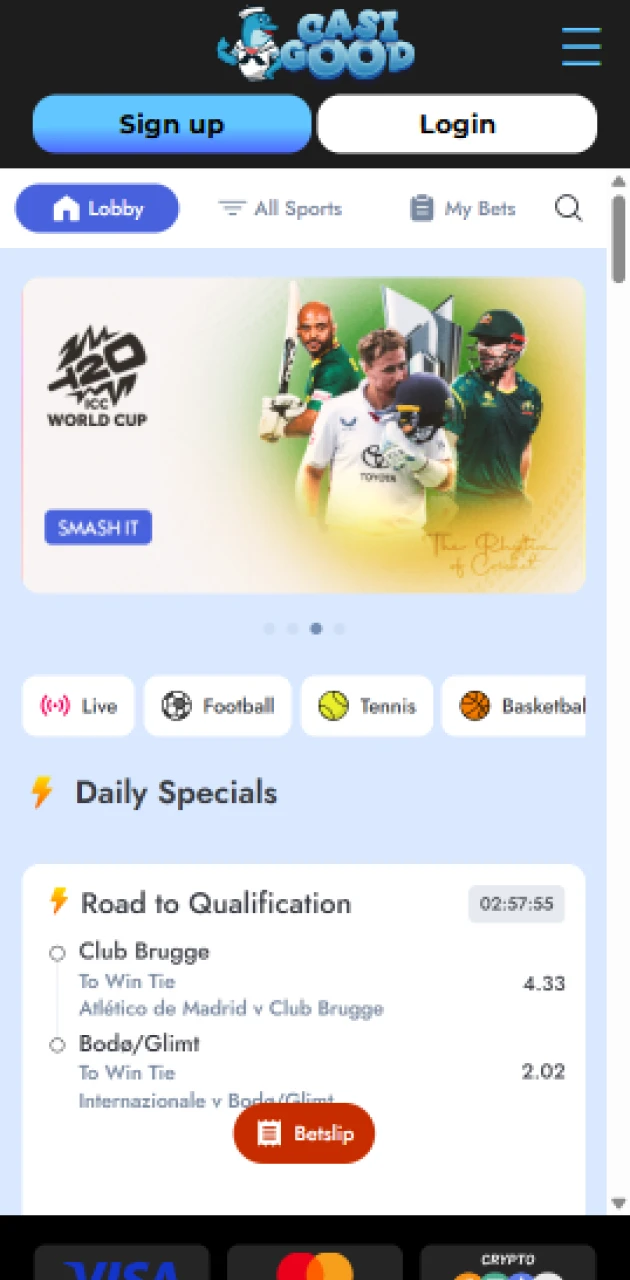
Downloading the Casigood APK on Android is quick, safe and free for United Kingdom users. You follow four short steps on this site, then install and log in within minutes.
After you complete these steps once, you can open the Casigood android app from your home screen whenever you want to bet or play.
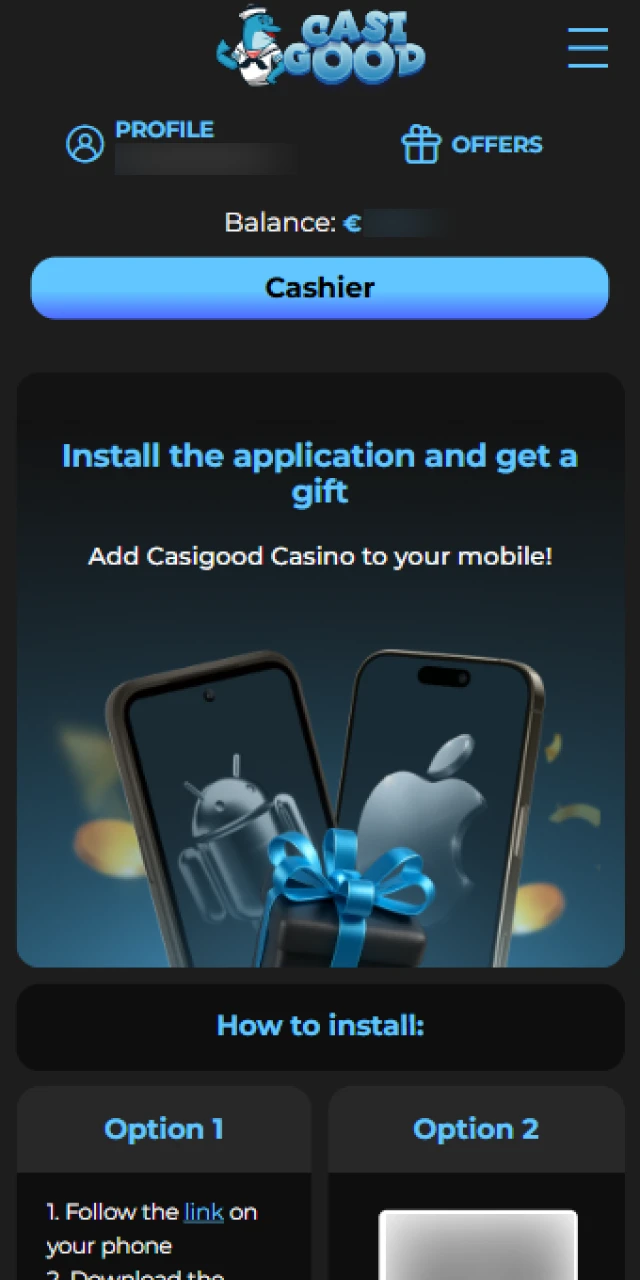
Tap the Casigood download button on this page to start the APK file download on your Android phone.
This begins the Casigood APK download so you can proceed to installation.
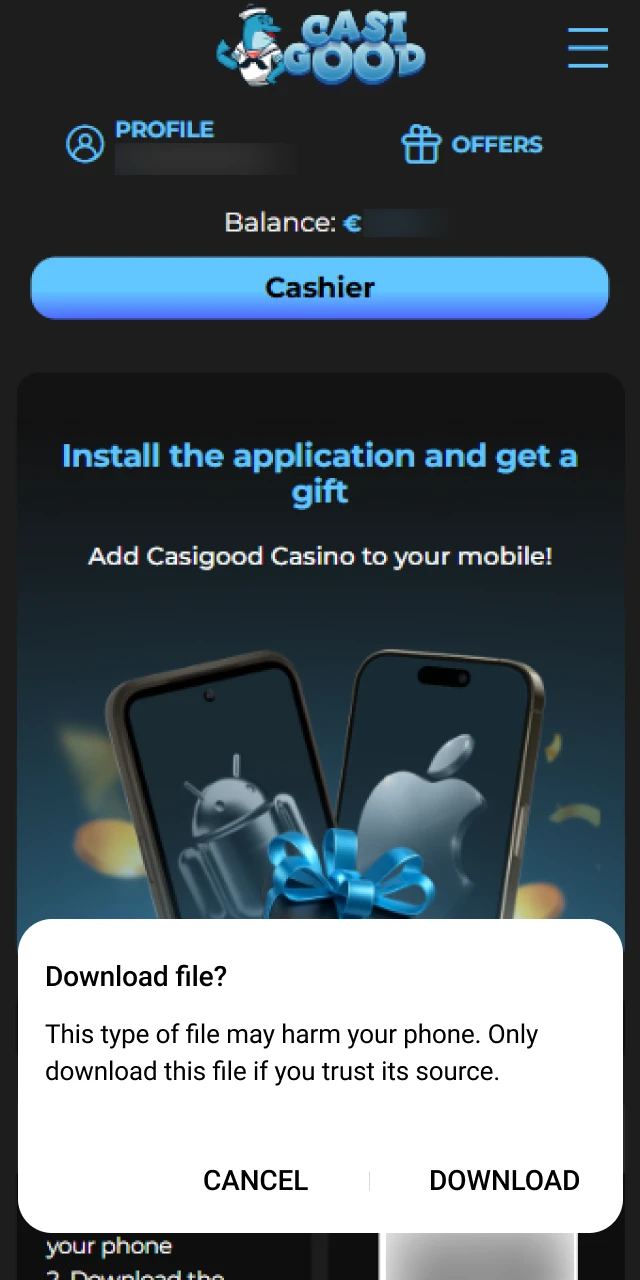
When your browser shows a pop up, confirm that you trust the file and accept the APK download.
Confirming the prompt ensures the Casigood app file saves safely to your device.
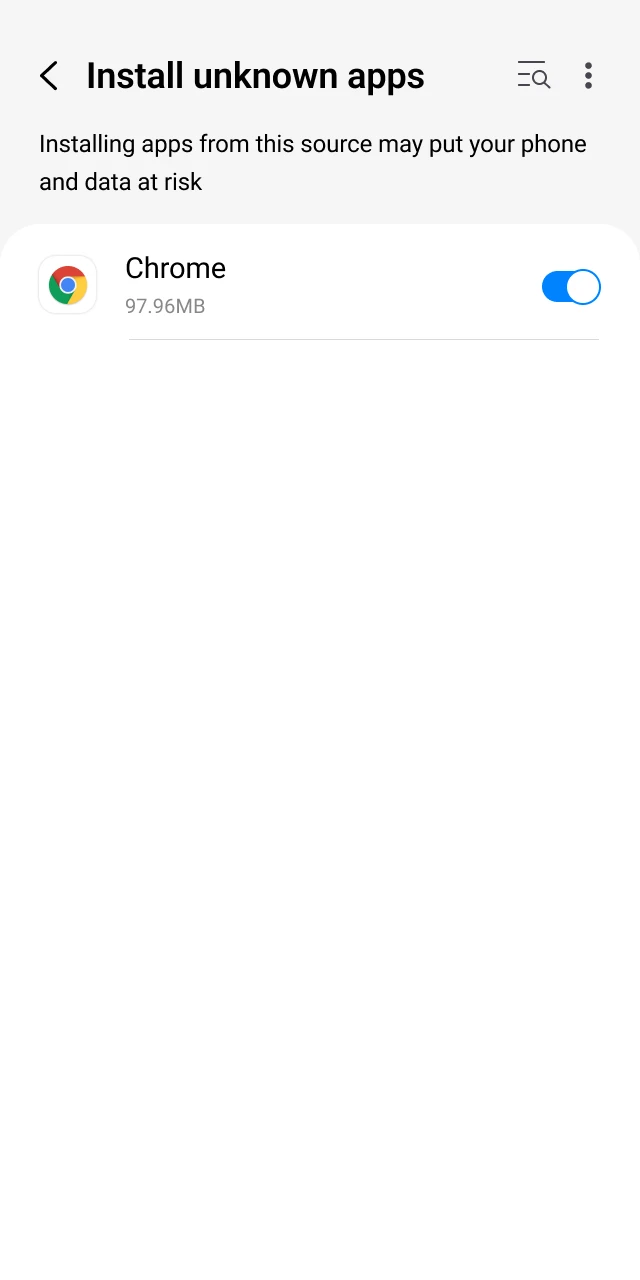
Go to your Android security settings and allow installations from unknown sources for the browser you used to download the APK file.
This permission lets your phone install the Casigood APK android download as a trusted application.
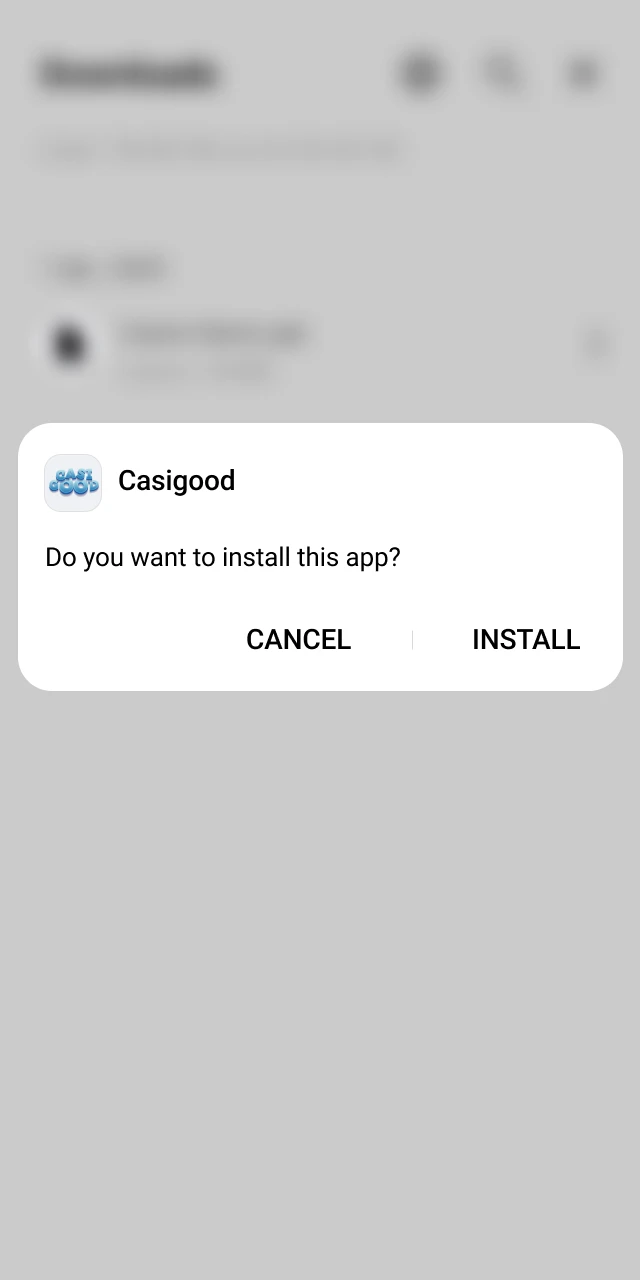
Open your downloads folder, tap the Casigood APK file, review the permissions and press Install to complete the process.
After installation finishes, you can open the Casigood app for android from your apps list.
The Casigood android app is free to install and built for betting and casino play on the go. You can place bets, spin slots and manage your account from one mobile screen.
Installation steps for the Casigood APK are explained above so you can start in a few minutes.
Before you download the Casigood application, check that your Android phone meets these minimum requirements for smooth play.
| Requirement | Minimum specification |
|---|---|
| Android version | Android 8.0 or higher |
| RAM | 2 GB or more |
| Free storage | At least 200 MB available |
| Processor | 1.4 GHz quad core or better |
| Internet connection | Stable 4G or Wi‑Fi |
Meeting these levels helps the Casigood mobile app run fast and stable during betting and casino sessions.
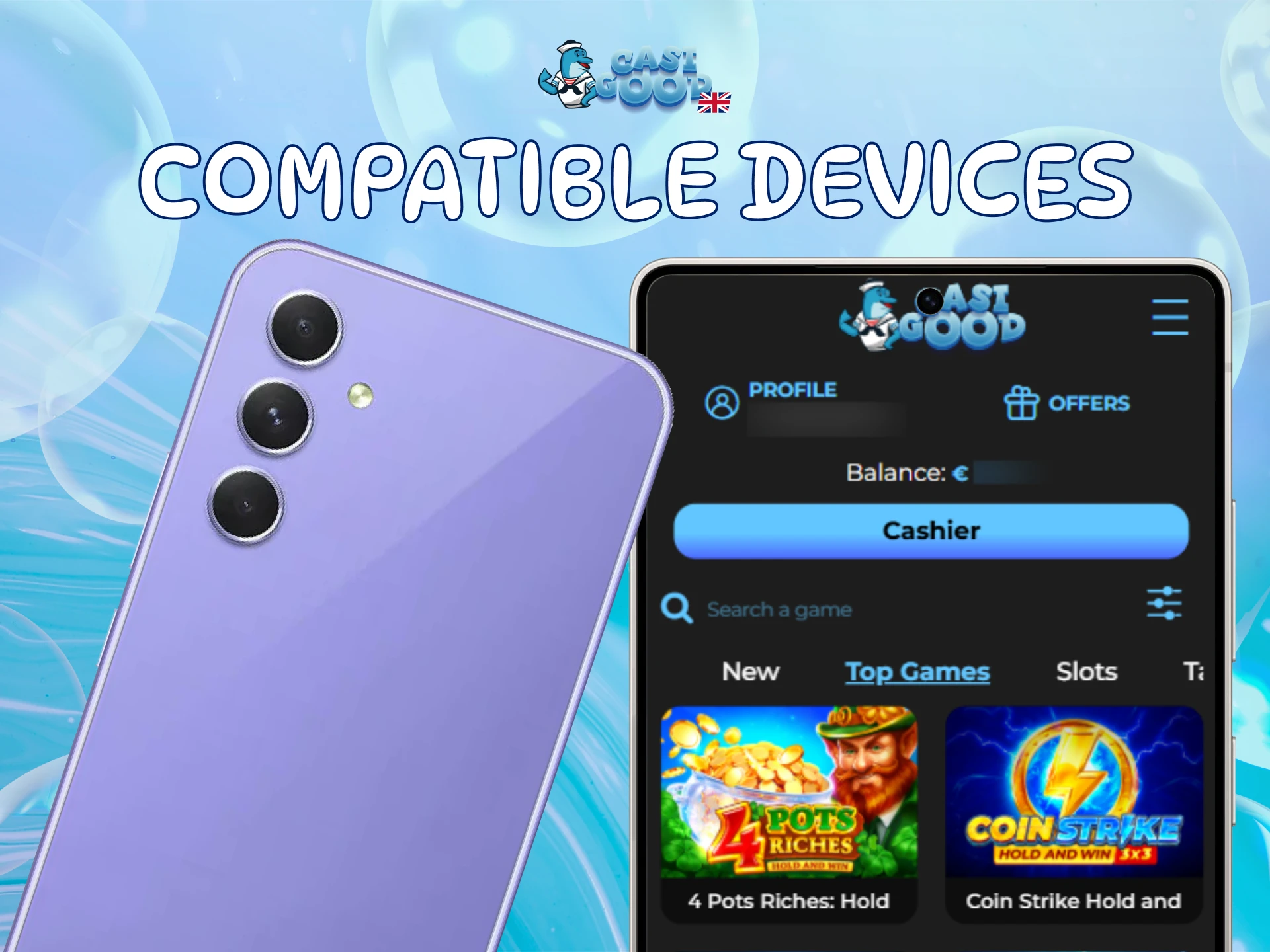
The Casigood mobile app runs smoothly on many popular Android phones used in the United Kingdom, including mid range and flagship models.
Compatible examples include:
If your Android device is similar in power to these models, you can expect the Casigood app download to perform well.
Downloading the Casigood ios app on iPhone or iPad is straightforward and takes five short actions. Everything happens on this official site, from starting the download to logging in.
Tap the “Download iOS App” button on this page to start the official Casigood app download for iphone and ipad.
When your device shows an on screen prompt, confirm that you trust this Casigood official app and approve the installation.
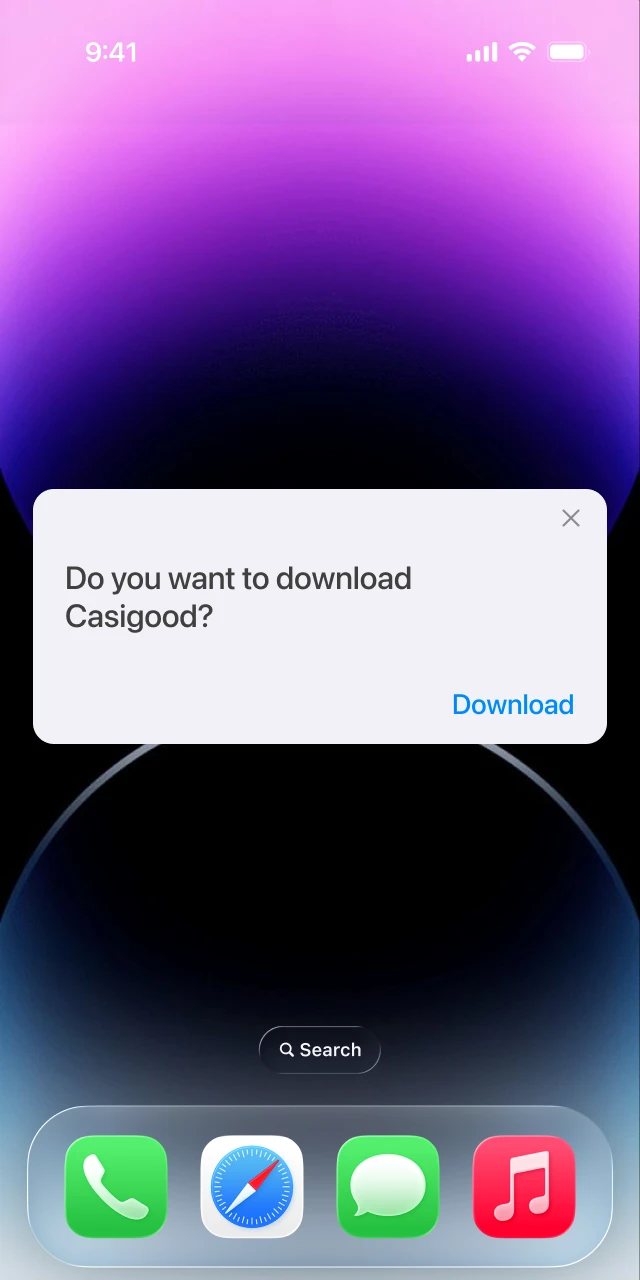
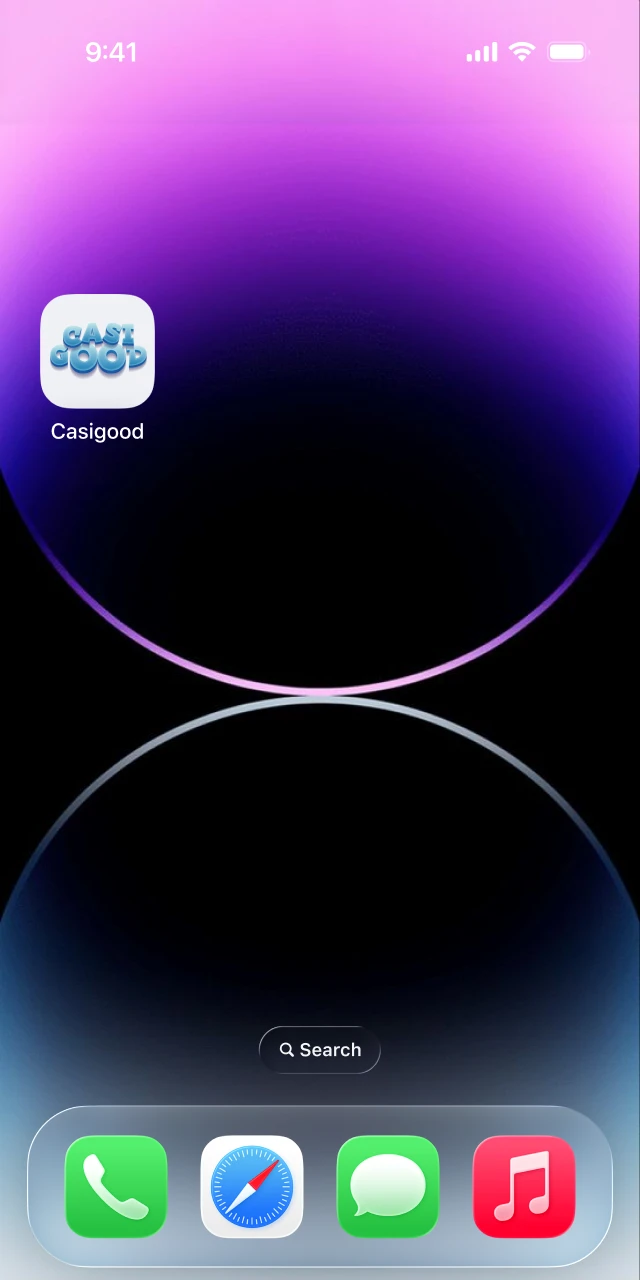
Stay online while the Casigood ios file installs. Once the icon appears on your home screen, the app is ready to prepare for use.
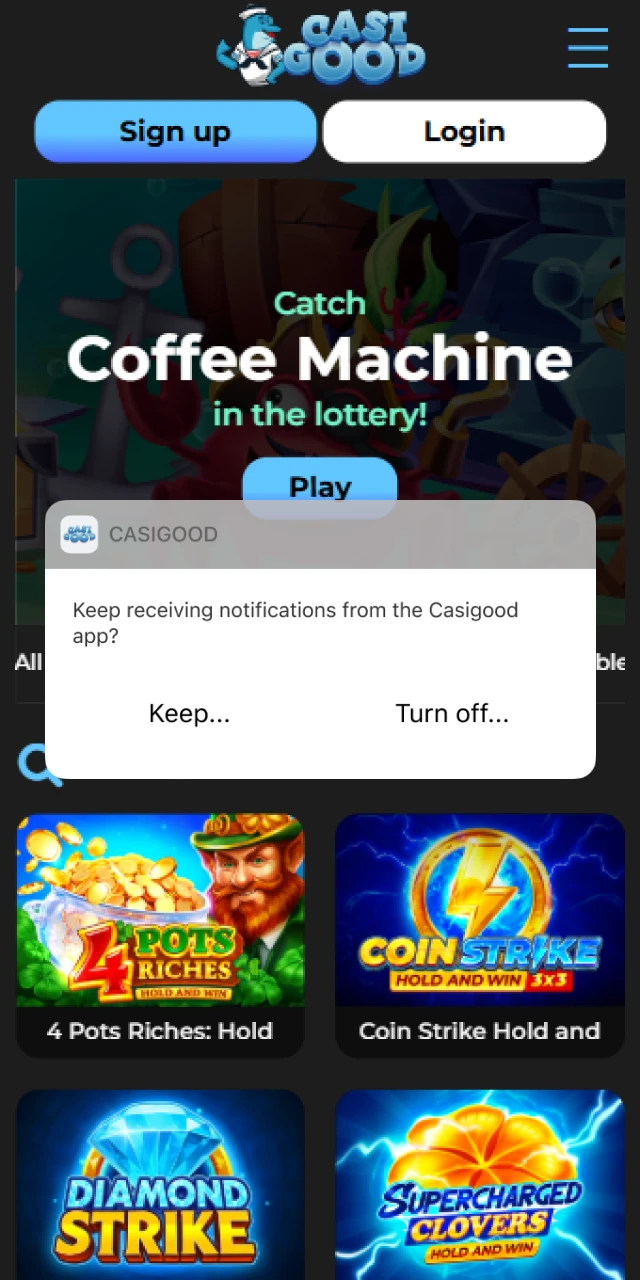
Launch the app, agree to the terms and allow essential permissions such as notifications if you want updates on bets and bonuses.
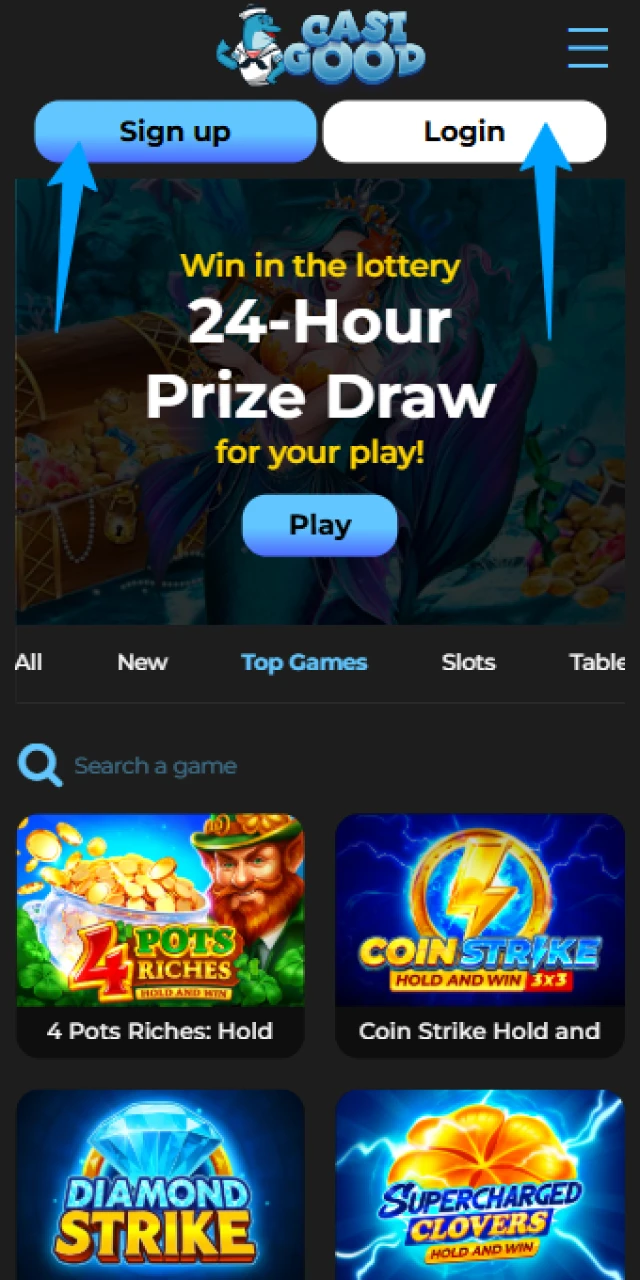
Create a new account or sign in to your existing profile, then set your limits and start betting or playing casino games.
The Casigood ios application works on both iPhone and iPad, is free to download and keeps system requirements low. You get the full website experience, including sports, casino, live betting and payments, inside one mobile app.
The minimum recommended version is iOS 12, 2 GB of RAM and at least 200 MB of free storage so the Casigood app for iphone runs smoothly.
Before you install the Casigood mobile app on iOS, confirm that your device meets or exceeds these minimum requirements.
| Requirement | Minimum specification |
|---|---|
| iOS version | iOS 12 or higher |
| RAM | 2 GB or more |
| Free storage | At least 200 MB available |
| Processor | Apple A10 or newer |
| Internet connection | Reliable 4G or Wi‑Fi |
Matching these specs helps the Casigood ios software run quickly for both betting and casino play.
The Casigood application works smoothly on recent generations of Apple phones and tablets, giving you a stable mobile betting and casino experience.
Supported models include:
Any similar iOS device on a current version should run the Casigood ios app without issues.
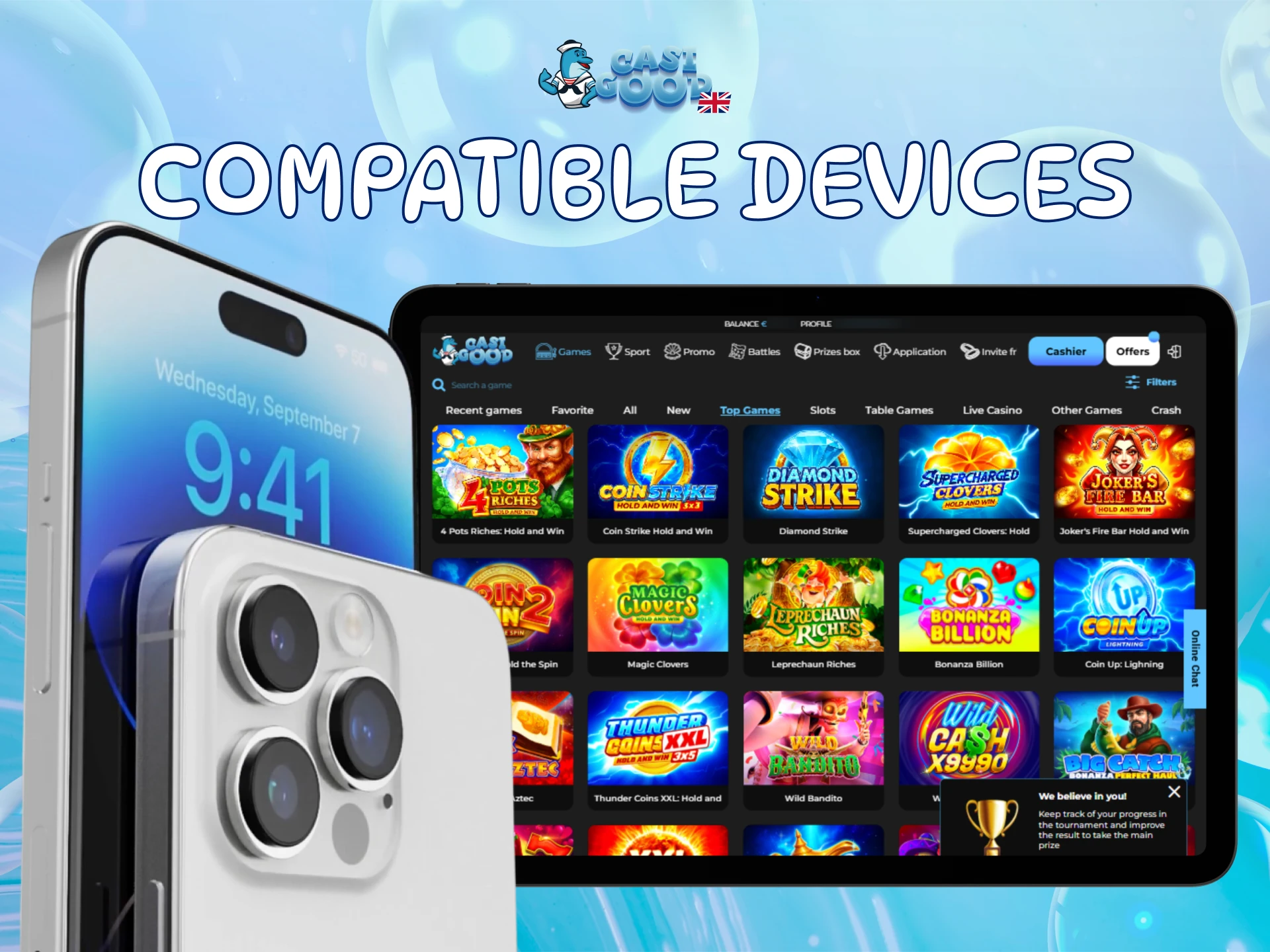
The table below compares the latest Casigood APK version to the older release so you can see how the experience has improved.
| Feature | New version | Old version |
|---|---|---|
| Loading speed | Faster page loads and quicker odds updates | Slower navigation between sections |
| Interface | Cleaner menus and improved bet slip layout | Basic design, fewer shortcuts |
| Live betting | More markets and quicker refresh | Limited live markets |
| Casino lobby | Better filters for slots and providers | Simple game list only |
| Security | Updated encryption protocols and bug fixes | Previous security level |
| Notifications | Smarter alerts for bets and offers | Basic notifications only |
Updating to the latest Casigood APK download gives you the best performance and security.
Signing up in the Casigood mobile app takes a couple of minutes and is available to United Kingdom players aged 18 or over.
Open the Casigood application on your Android or iOS device.
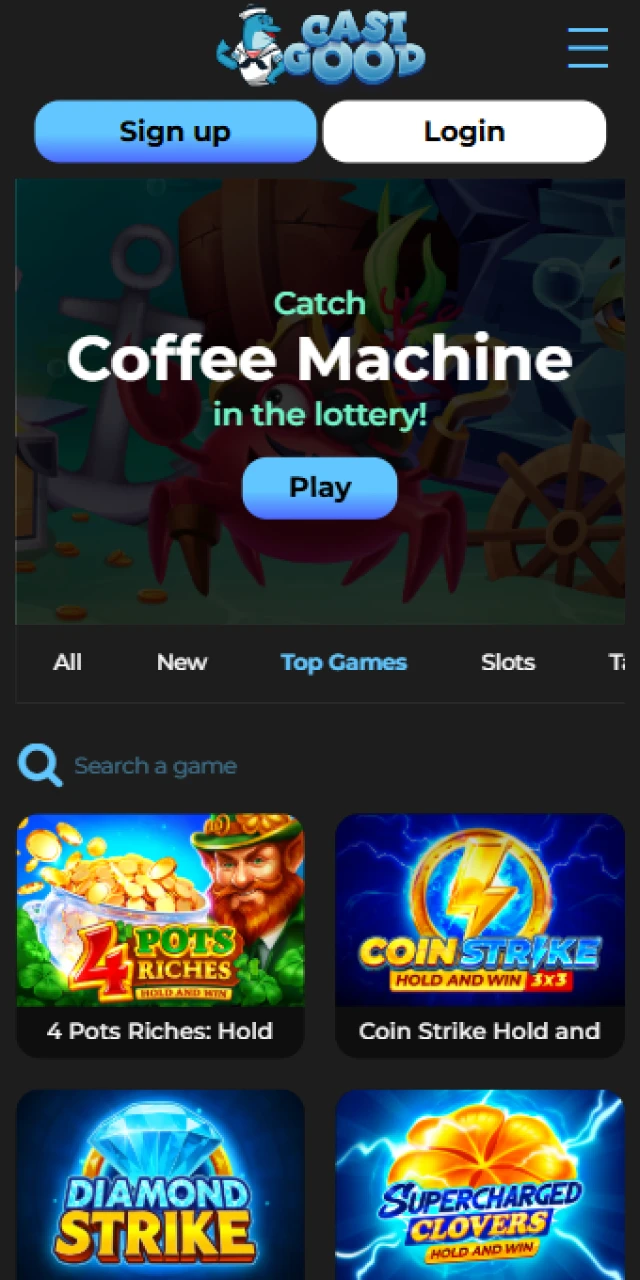
Tap “Registration” on the home screen and choose your preferred sign up method.
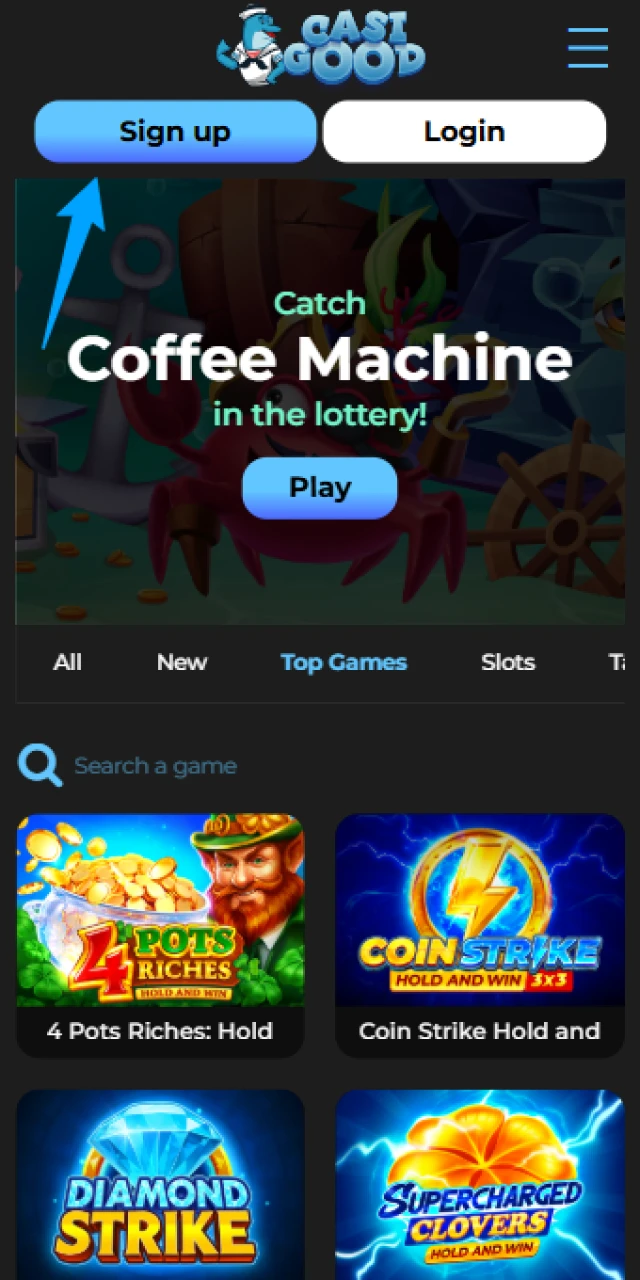
Enter your personal details, including full name, email, country and preferred currency.
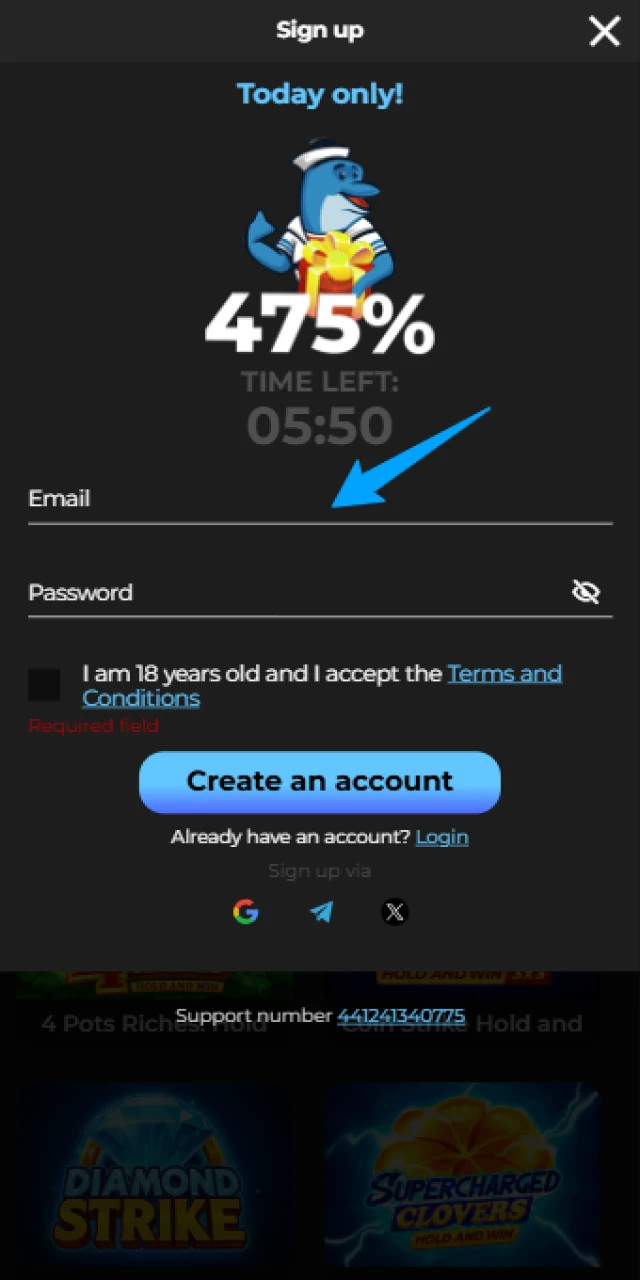
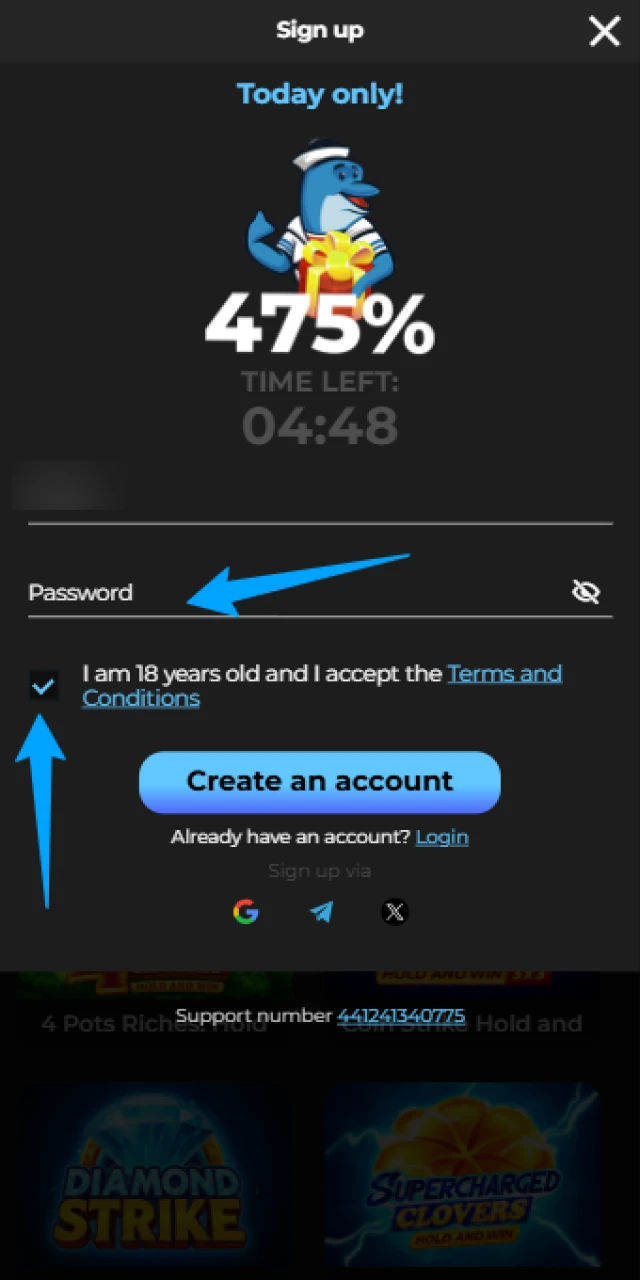
Create a strong password and confirm your age and acceptance of the terms.
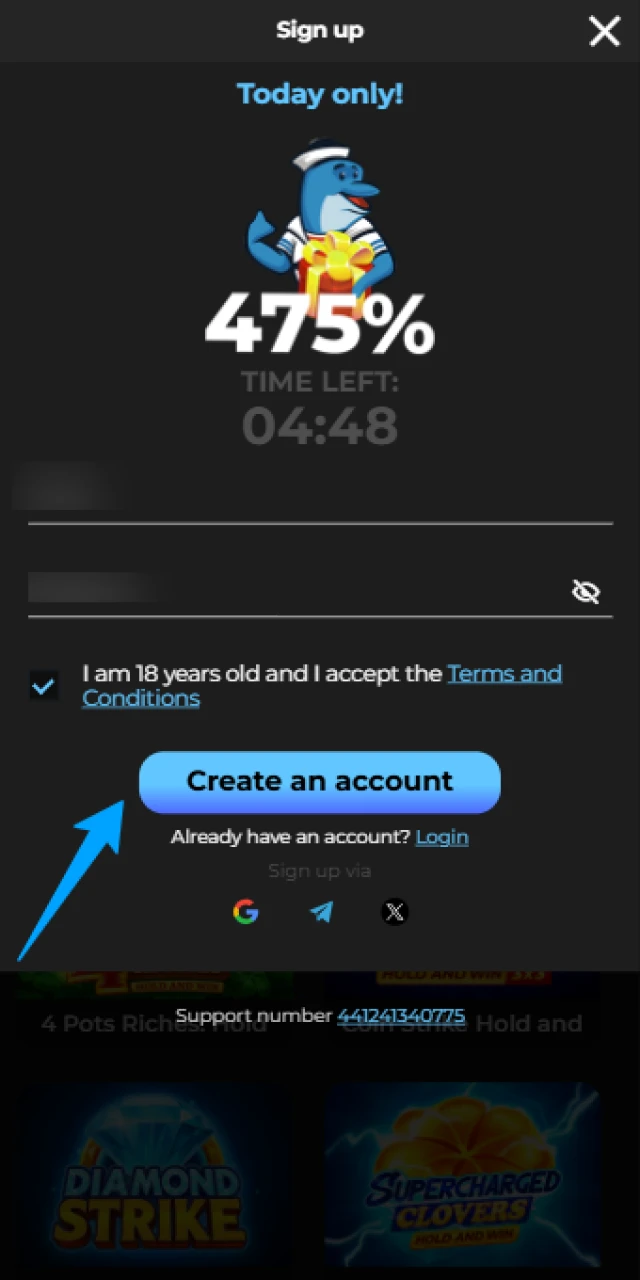
Submit the form and verify your email or phone if requested.
Keeping the Casigood app updated helps you enjoy new features and the latest security improvements.
Android
iOS
Fresh versions provide new options, security upgrades and bug fixes for smoother play.
New users of the Casigood mobile app can claim a welcome package when registering in the application. You choose between a sports offer or a casino bonus during sign up.
For sports, you receive a matched first deposit up to a set amount, boosting your bankroll for pre match and live bets. For casino, you receive a package up to several hundred euros plus free spins on popular slots such as Book of Dead or games from Pragmatic Play.
To claim, select your preferred bonus in the registration form and make at least the minimum qualifying deposit in a single payment.
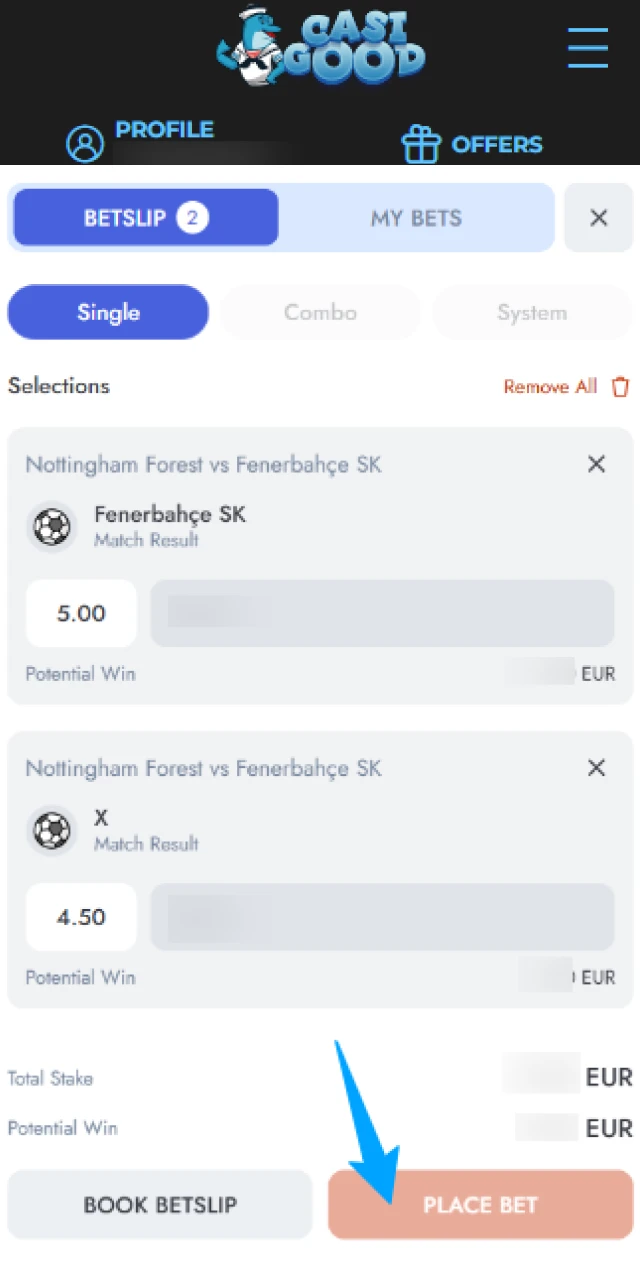
Placing your first sports bet in the Casigood betting app takes only a few steps.
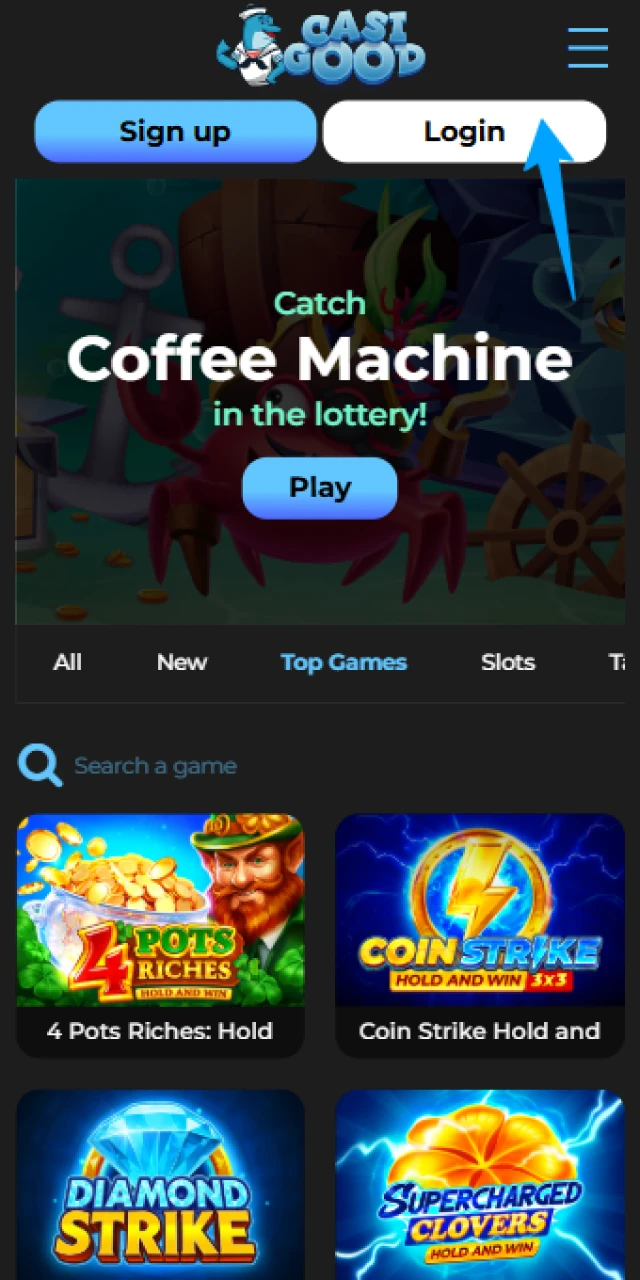
Log in to the Casigood mobile app on Android or iOS.
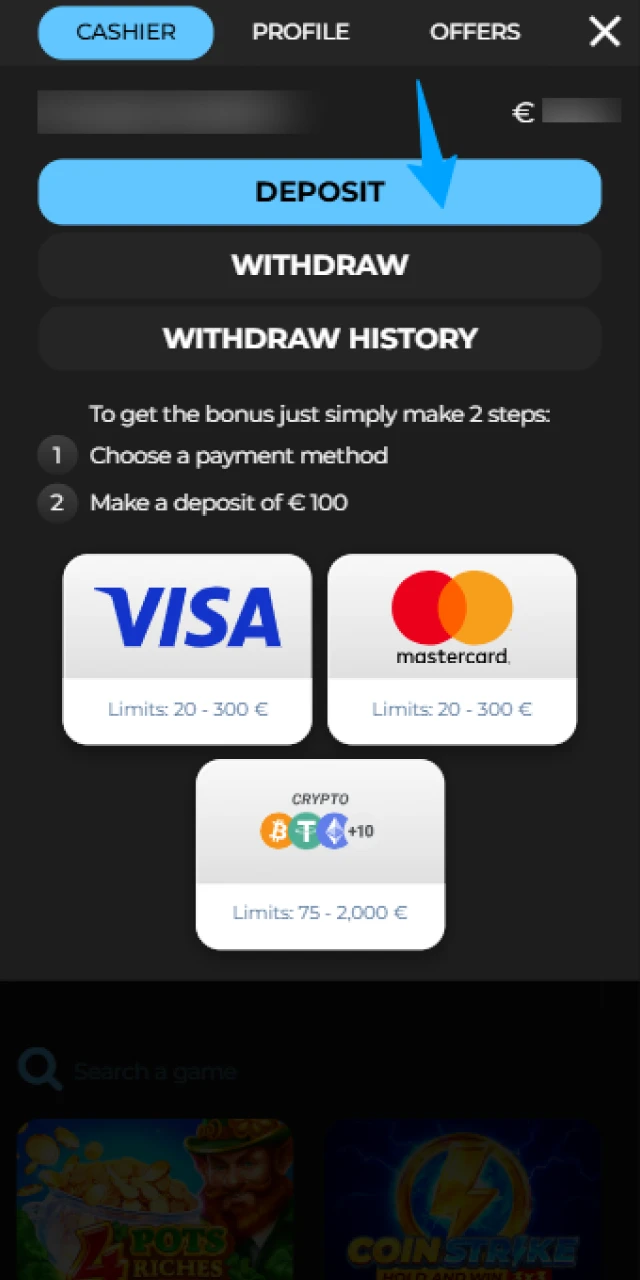
Deposit funds using VISA, Mastercard or crypto.
Open the Sports or Live section and pick a match.
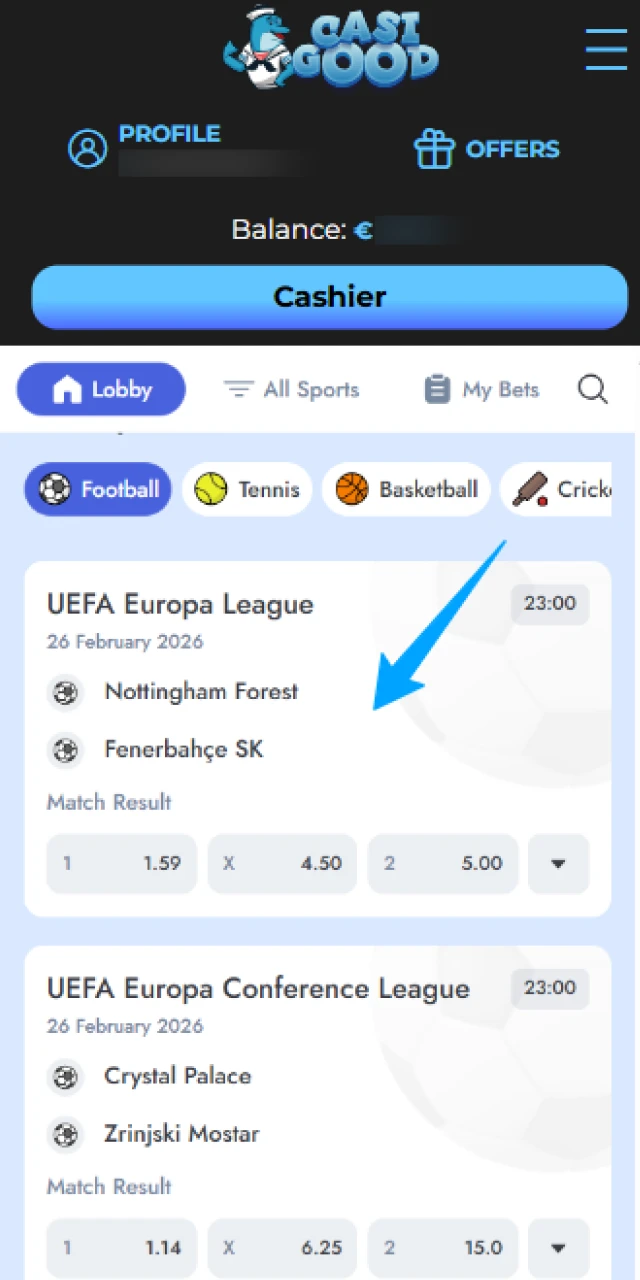
Choose a market, such as Match Result or Over/Under.
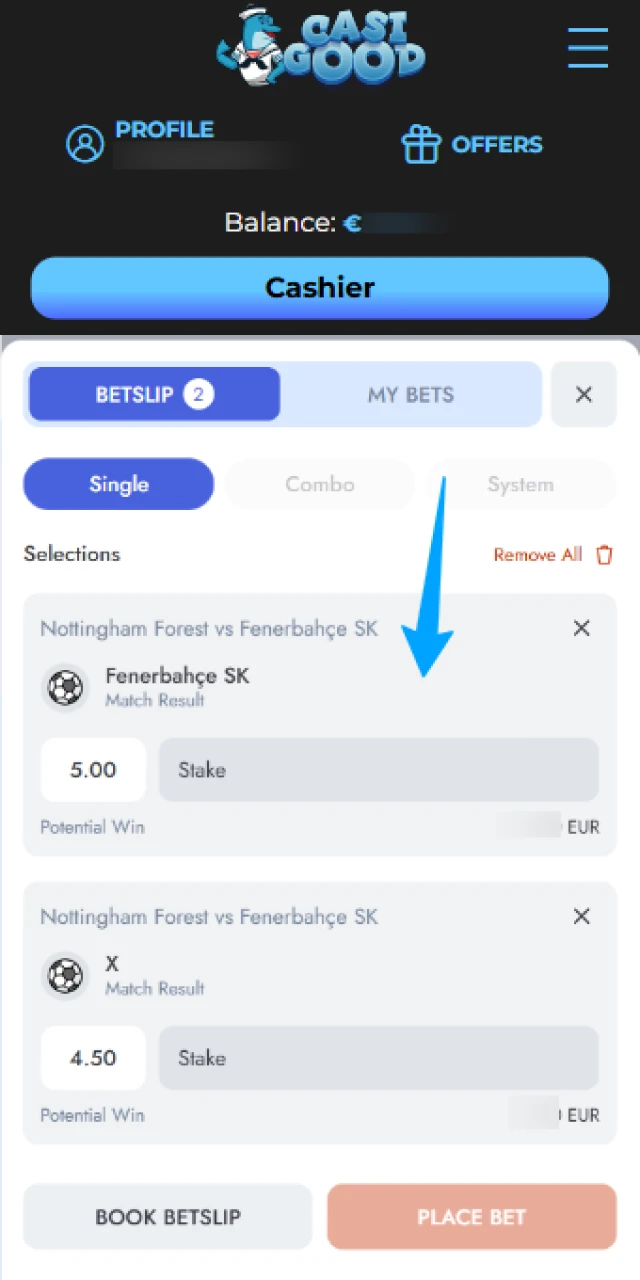
Enter your stake in the bet slip and confirm.
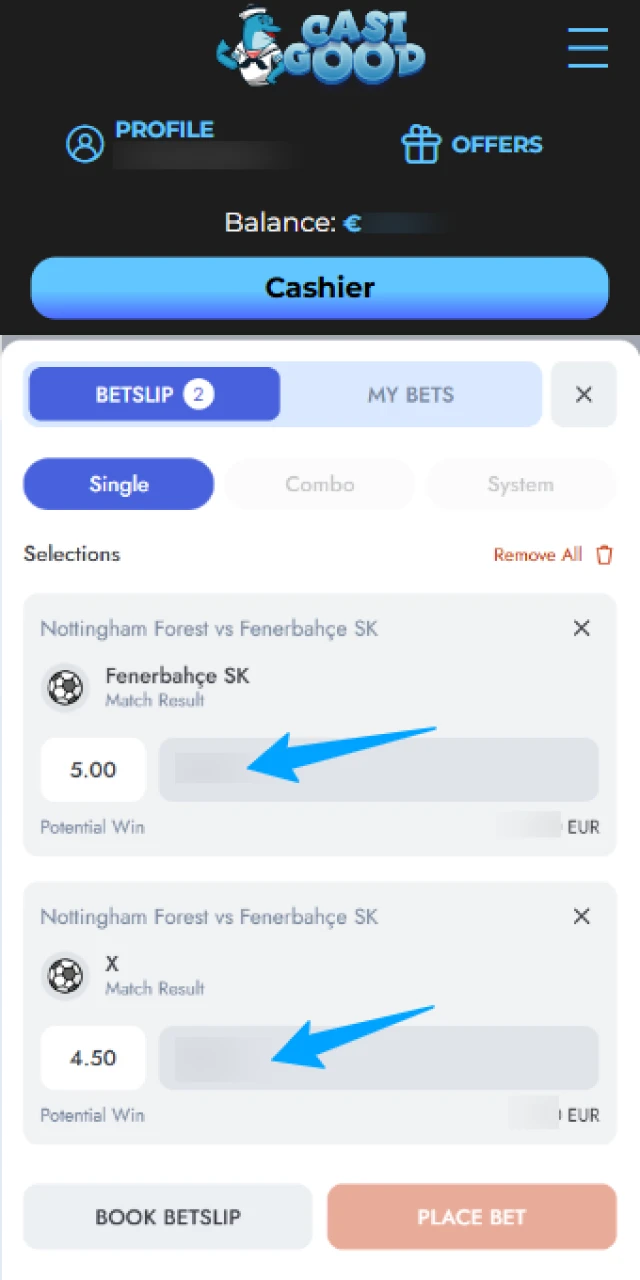
Wait for the event to finish, then withdraw any winnings or place new bets.
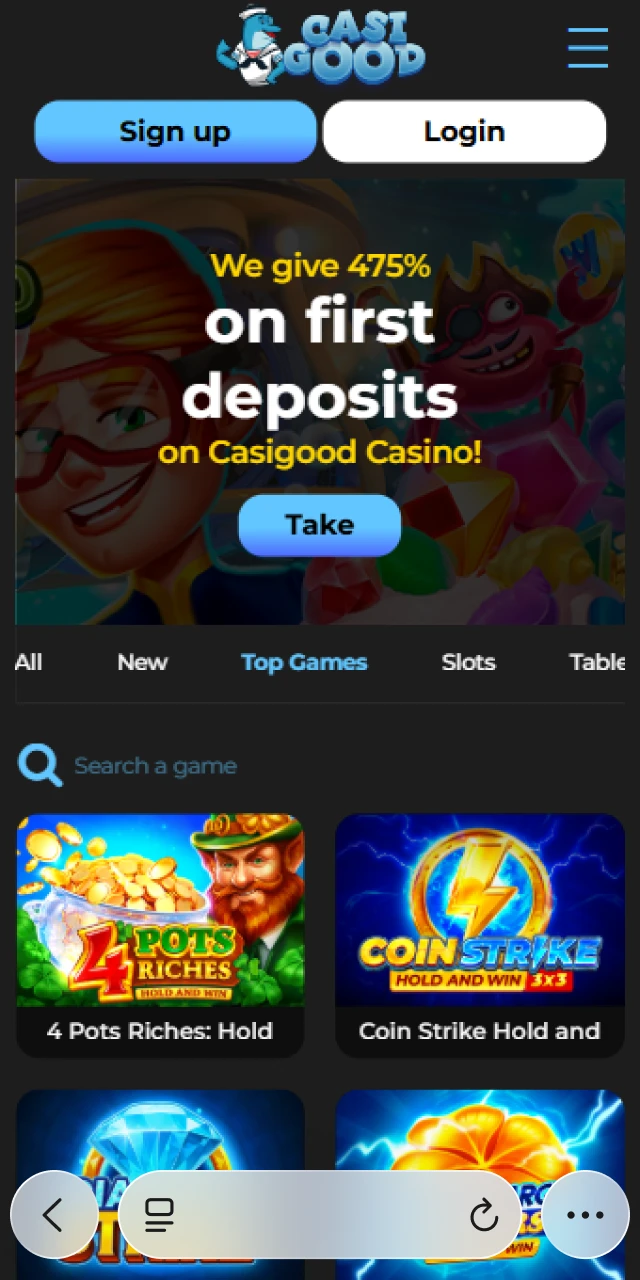
The Casigood mobile website works on almost any smartphone or tablet browser and needs no installation. You visit the site, log in and access the same betting and casino sections as in the app.
You can place bets, play slots, use bonuses and manage payments directly in the browser if you prefer not to download software.
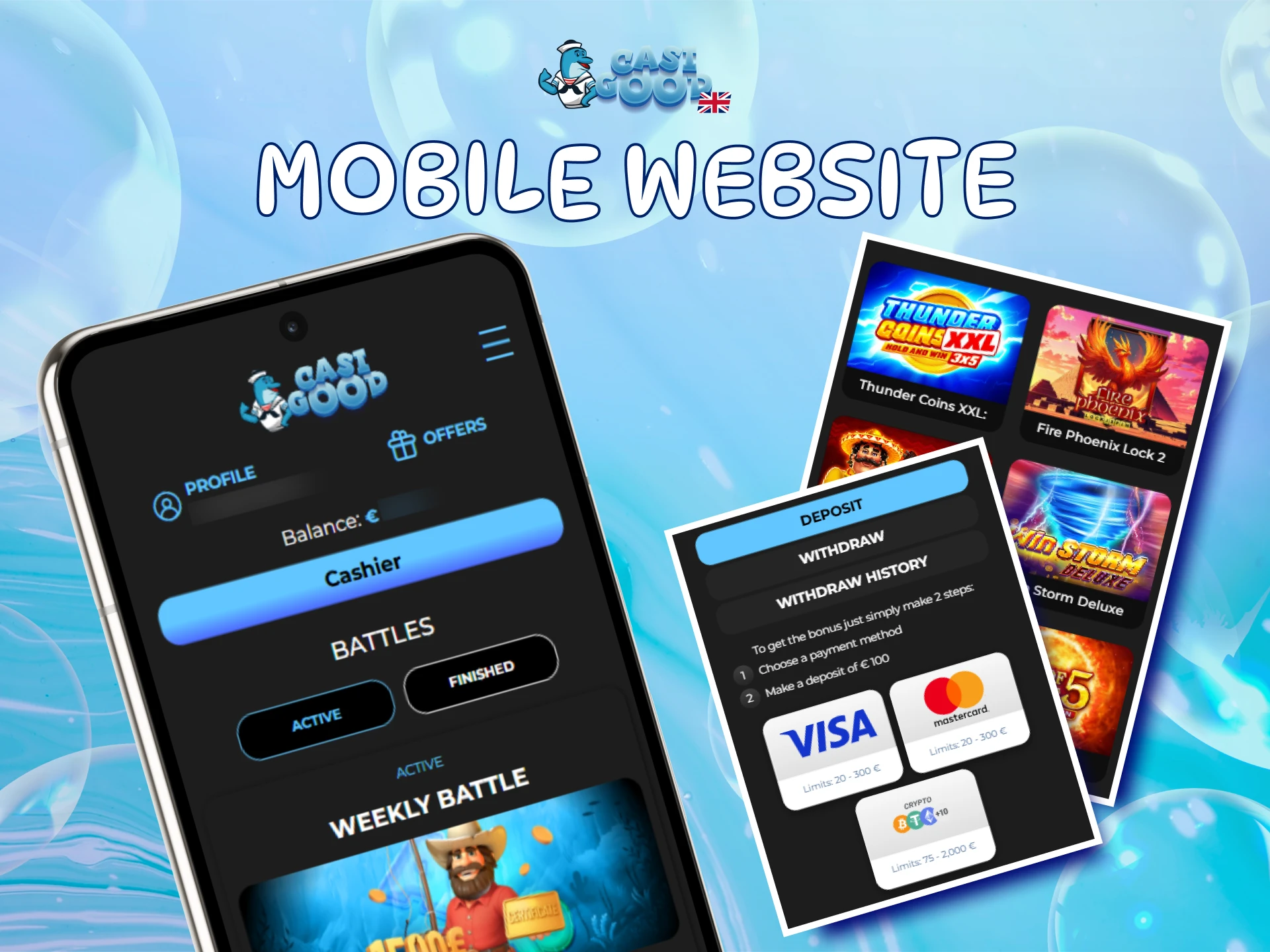
The mobile website mirrors nearly all functions of the Casigood mobile app, but many United Kingdom players still prefer the dedicated application for daily betting and casino play.
| Feature | Application | Site |
|---|---|---|
| Start up speed | Opens instantly from icon | Requires browser launch and login |
| Notifications | Optional alerts for results and offers | Limited browser notifications |
| Data use | Optimised for lower data on mobile | Depends on browser overhead |
| Stability | Designed for long sessions | Can slow if many tabs are open |
| Touch controls | Layout tuned for one hand use | Varies by browser and zoom level |
| Login | Option to stay signed in securely | More frequent logins needed |
The mobile app gives you faster access, better stability and a layout designed for quick bets, while the mobile website suits occasional play or testing the platform.
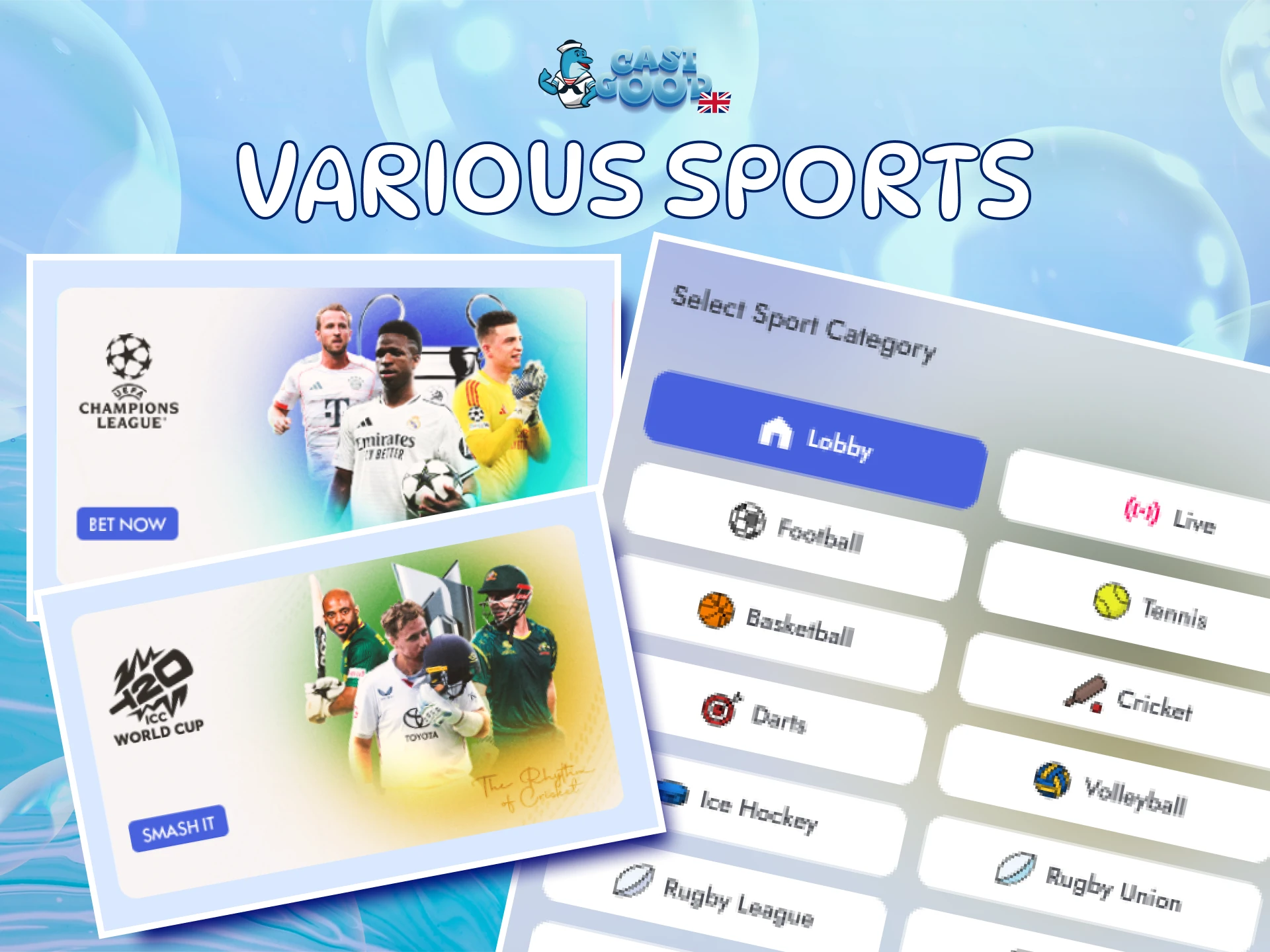
The Casigood betting app covers a wide range of sports so you can find value in both pre match markets and live events. You can bet in LIVE and LINE modes, using stake types such as Single, Accumulator and System bets.
Each sport has its own page, including team and player statistics, form and head to head records. Many events offer live streaming or match visualisations so you can follow the action as you bet.
Popular sports include:
This range lets you build varied betting strategies in one mobile application.
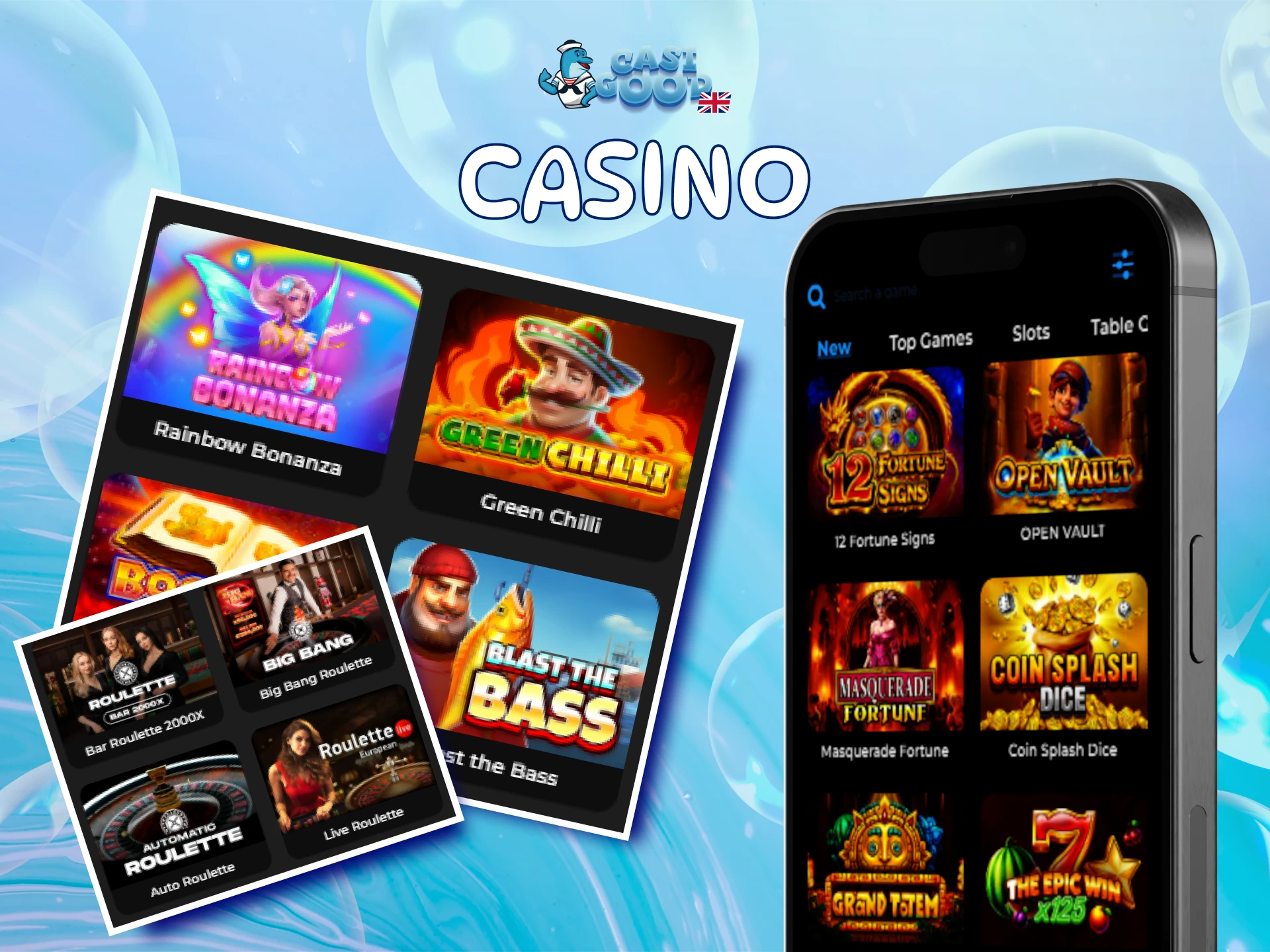
The Casigood casino app section lets you move from sports to slots and table games in a tap. You find popular titles from providers such as Pragmatic Play, Play’n GO, NetEnt and more, including games like Sweet Bonanza and Book of Dead.
The lobby includes video slots, jackpots, roulette, blackjack, baccarat and game shows. A live casino area hosts real dealers in live roulette, blackjack, baccarat and other formats, streamed to your phone.
You can browse promotions and casino bonuses in the same mobile menu, helping you get more value from every session.
The Casigood mobile app offers several advantages that make betting and casino play faster and more convenient than using only a browser.
Launch the Casigood app in one tap, stay logged in securely and reach your favourite sports or casino games within seconds.
The Casigood application is tuned for mobile networks so odds, games and live scores load reliably, even when your signal is average.
You get the same markets, slots, live tables, promotions and account tools as on the desktop site, all adapted for smaller screens.
Enable push alerts to hear about settled bets, key score changes and selected promotions without constantly checking the website.
Store your preferred payment method securely so you can deposit and withdraw in a few taps whenever you want to manage your balance.
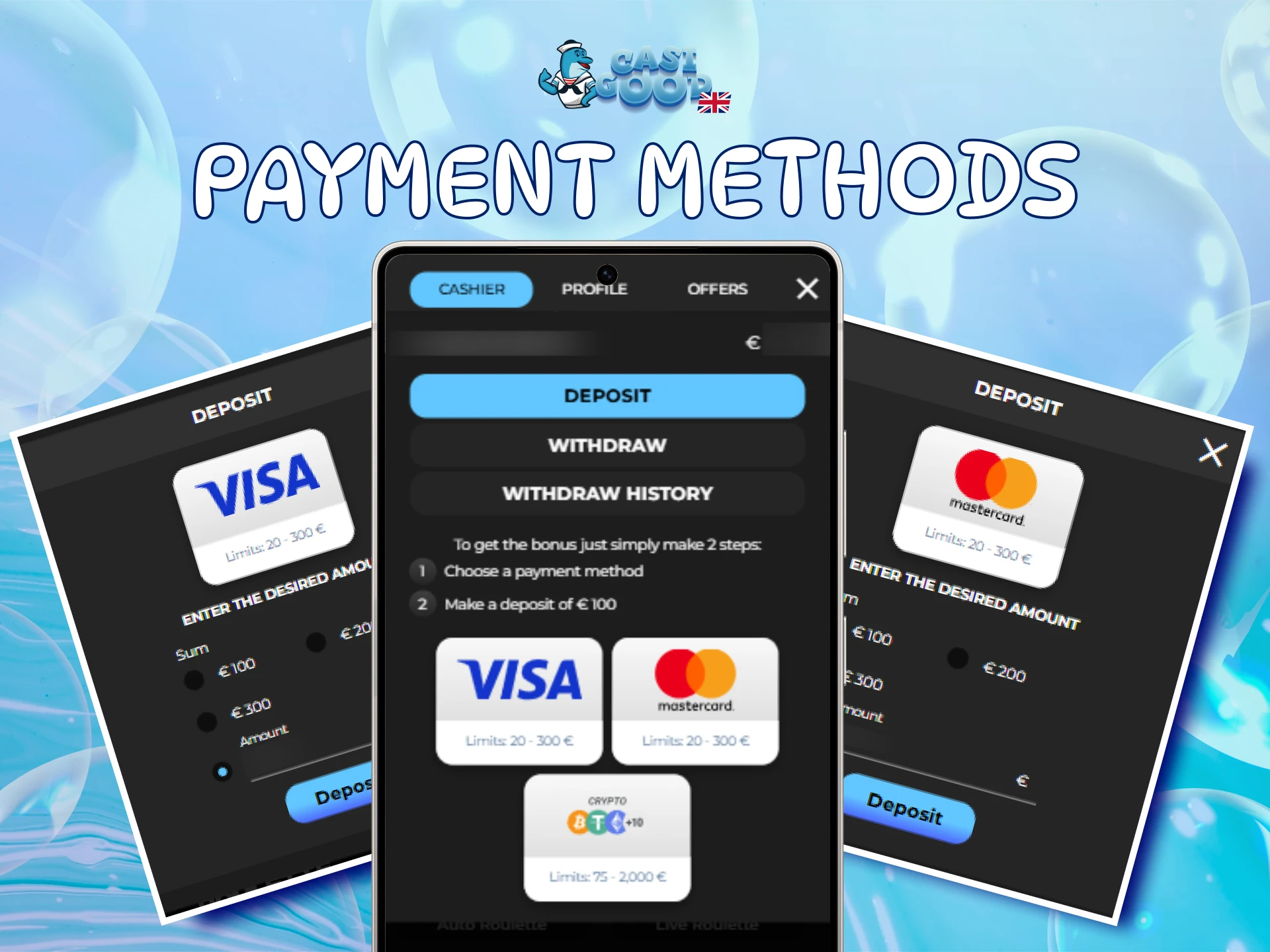
United Kingdom users can handle all payments directly inside the Casigood mobile app using familiar cards and modern crypto options. Transactions are processed in a secure, encrypted environment.
Available methods include:
Deposits are credited almost instantly after confirmation, so you can place bets or play slots straight away. Most withdrawals arrive within minutes once approved.
Typical minimum limits are around €10 or currency equivalent for deposits and €20 for withdrawals, helping you manage your bankroll flexibly.
The Casigood APK is provided under an official gambling licence and follows strict regulatory standards. All traffic between your device and the platform is protected by SSL certificates and strong encryption.
Personal data, payment details and bet history are handled under privacy rules, giving you a secure and regulated environment for real money play on mobile.
Yes. The app operates under an international licence and accepts users from the United Kingdom, provided you are at least 18 and online gambling is allowed in your region.
No. You use the same login details on the Casigood official app, mobile website and desktop site. Your balance and bets sync across all platforms.
Most approved withdrawals are processed within minutes for crypto and within a few hours for cards, depending on the method and any verification checks.
You can install the Casigood mobile app on most Android tablets and iPads that meet the system requirements, then play on a larger screen.
First check your internet connection, storage space and system version. If it still fails, delete the file, repeat the Casigood APK download from this page and try again.
Updated: